How to turn an STL file into a product photo
STL2Image is a web app that creates realistic product photos of 3D-printable objects directly from their print files. You upload an STL, OBJ or 3MF file, choose material, color and scene, and get a photograph in about 30 seconds, without printing the object or setting up a photo shoot.
Who it is for
- Designers selling 3D models on MakerWorld, Printables, Cults3D, Thangs or Etsy who need listing images.
- Print farms and shops that sell physical prints and want catalog photos before producing stock.
- Makers who want to show a client or a community what a model will look like printed.
How it works, step by step
- Upload the file. STL, OBJ or 3MF. Bambu Studio and OrcaSlicer projects keep their parts and filament colors. Real dimensions are read in millimeters from the file.
- Automatic orientation. The stable resting poses are computed from the geometry (convex hull and center of mass); an OpenAI vision model then picks the natural one, using the real size and the file name. If it is unsure, the app says so and you pick the right pose with one click.
- Material, color and scene. PLA, matte PLA, PETG, PETG HF, ABS or a custom material; preset colors or the colors stored in the 3MF; a ready-made scene, the one suggested by the AI or your own description; aspect ratio 1:1, 4:5, 3:4, 9:16, 16:9 or 3:2.
- Generation. Five reference renders of your model (front, back, side, top and a colored hero view, all resting on a floor) plus its real size go to GPT Image 2.6. A standard photo takes about 20 seconds; a high-resolution one (up to 2560 px on the long side) 40 to 60 seconds.
Examples generated from real print files
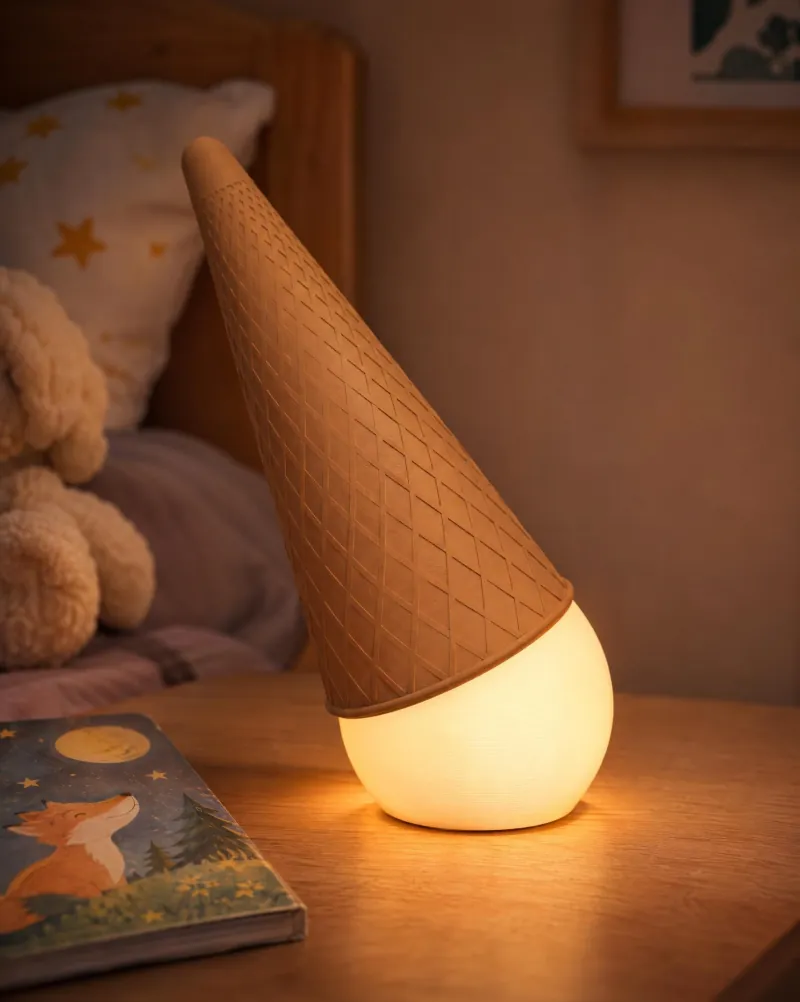
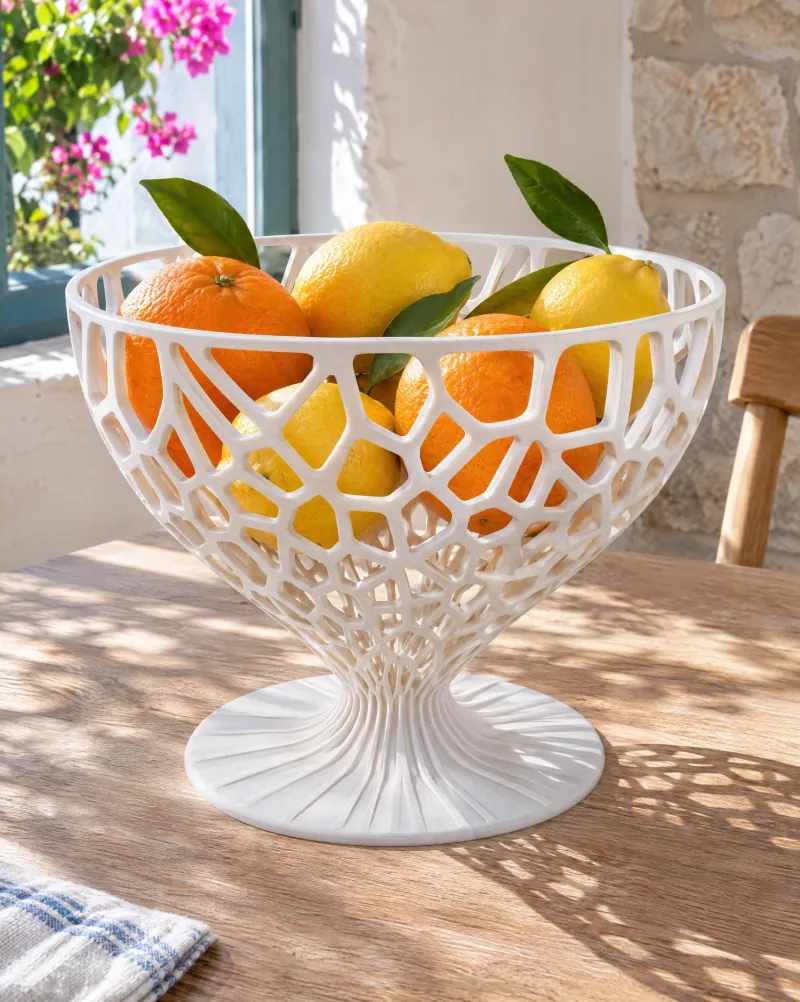
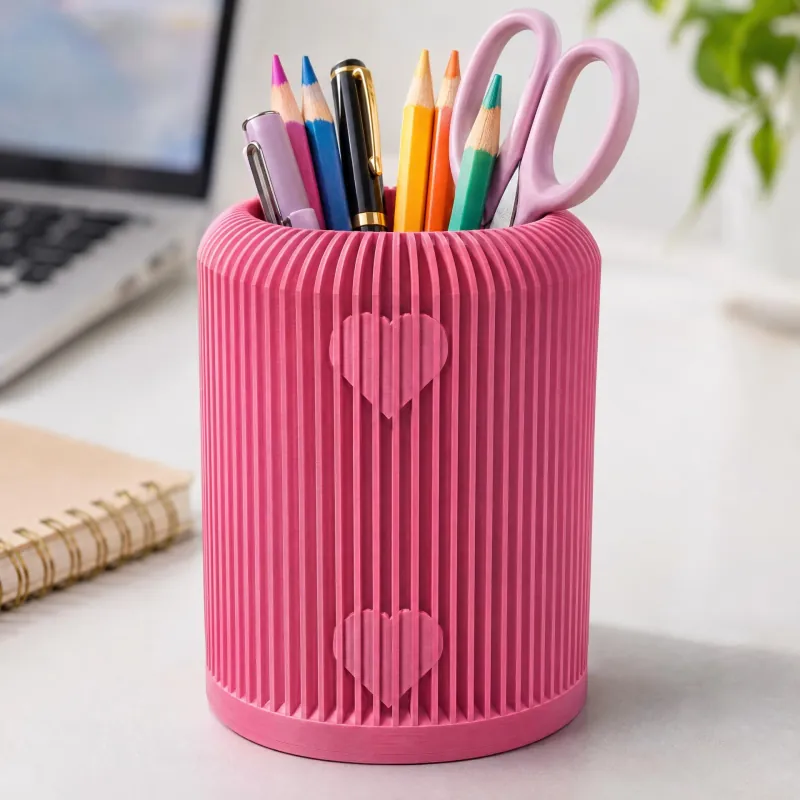
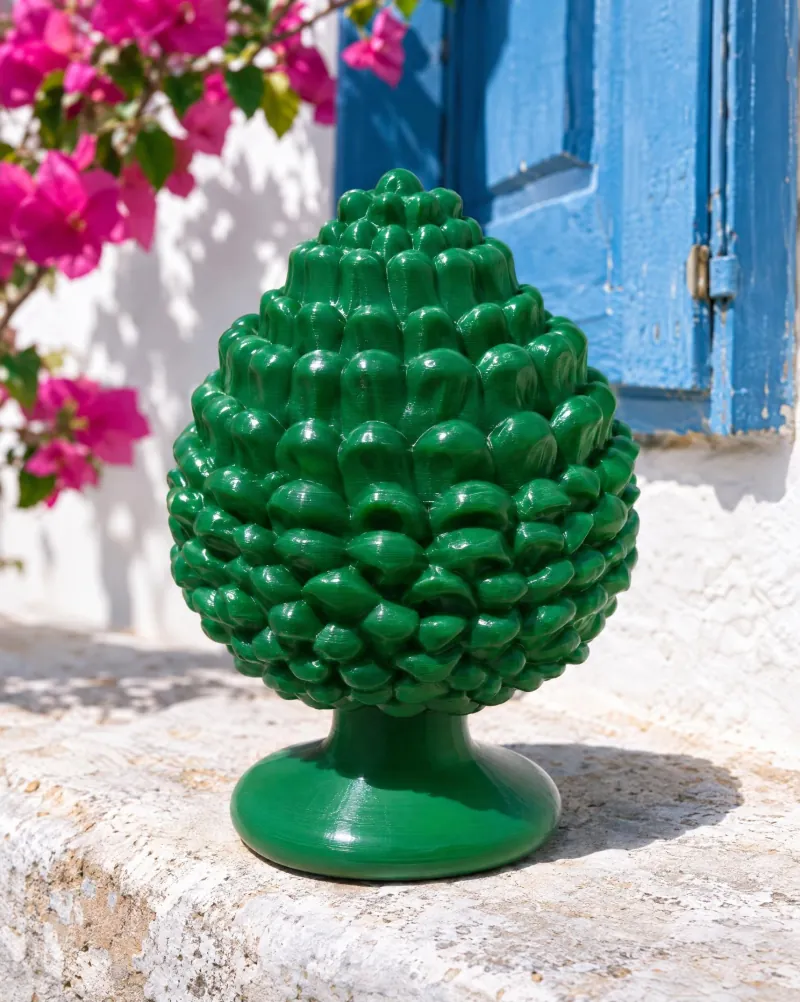
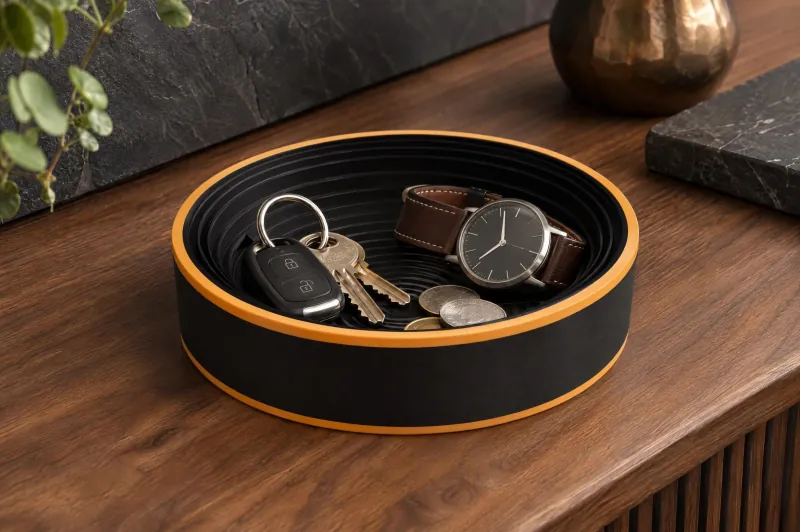
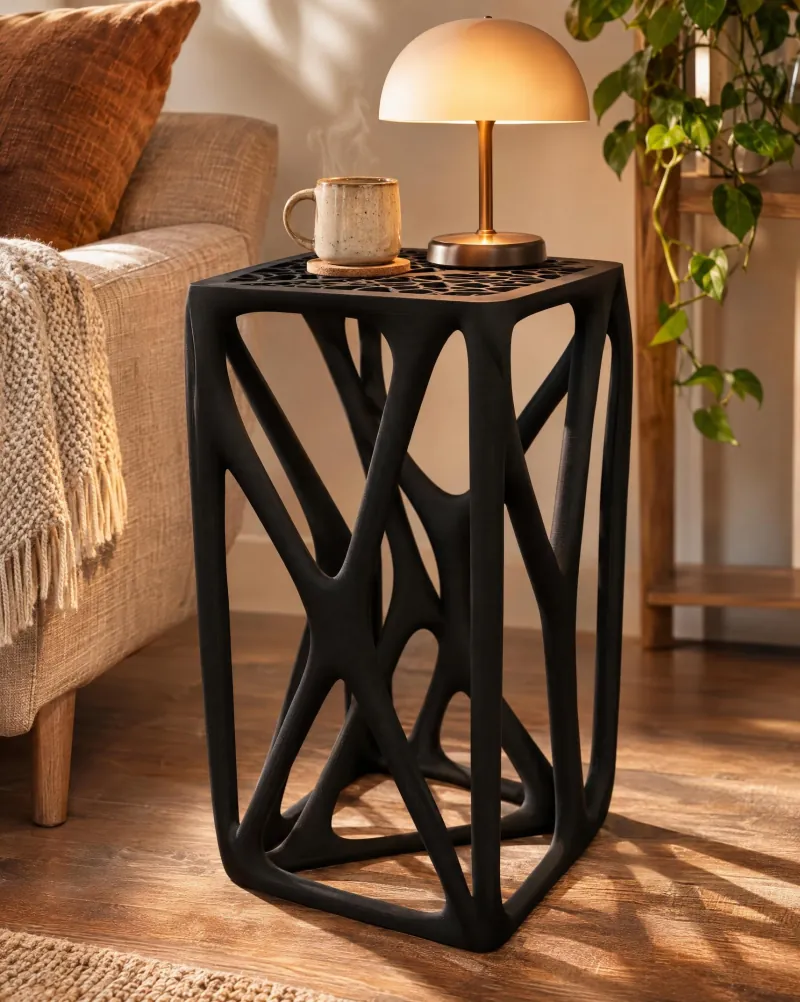
What makes the result faithful
- Right way up: orientation starts from physics, not from a guess, so lamps, vases and figurines are not upside-down or lying on their side.
- True to scale: the millimeters from the file are carried into the scene with concrete references (a hand, a phone, a table), so a 10 cm pen holder does not look like furniture.
- Your geometry: holes, lattices, joints and lettering come from the reference renders of your own model, not from a text description.
- Privacy of the file: the 3D file is opened in your browser; only the reference renders are sent to generate the photo.
Pricing
| Plan | Credits | Price | Notes |
|---|---|---|---|
| Free trial | 199 | $0 | on signup, no card |
| Starter | 800 | $10 | about 8 photos, $1.25 each |
| Pro | 2400 | $24.50 | about 24 photos, $1.02 each |
| Studio | 4800 | $44.50 | about 48 photos, $0.93 each |
A standard photo costs 100 credits, a high-resolution photo 160. Credits never expire and are refunded if a generation fails. No subscription.
Compared with the alternatives
| Option | What you need | Time per image |
|---|---|---|
| Print and photograph | Printer, filament, light, camera, editing | Hours to days |
| 3D rendering (Blender, KeyShot) | Rendering skills, materials, lighting setup | 30 minutes to hours |
| General-purpose image AI | A prompt; geometry and scale are invented | Seconds, but not your object |
| STL2Image | The print file | About 30 seconds |
Limits to know
- The result is an AI-generated image: always check fine details before publishing.
- MakerWorld requires at least one real photo of the printed model; these images complement it.
- 3MF files with several objects on the build plate are loaded as arranged for printing.
Frequently asked questions
Can I turn an STL file into a realistic photo without printing it?
Yes. Upload the STL to STL2Image, choose material and scene, and the app generates a realistic product photo of that exact geometry in about 30 seconds.
Does it work with Bambu Studio 3MF files?
Yes, including multi-part and multi-color projects: the filament color of each part is read from the file.
Can I use the images commercially?
Yes, the generated images are yours, including for listings, ads and social media.
Is there a free trial?
Yes, 199 credits on signup, enough for the first photo, with no card required.
199 credits on signup · no card