Product photos for MakerWorld, straight from the print file
STL2Image turns the file you upload to MakerWorld into realistic product photos in about 30 seconds. It is made for Bambu Lab users publishing models on MakerWorld, and works with Bambu Studio 3MF projects, including multi-color prints made with the AMS.
Why it helps on MakerWorld
Your 3MF keeps its parts and the filament color of each part, so the photo shows the print exactly as you configured it in Bambu Studio.
How to do it
- Open the model you publish on MakerWorld and export or download its print file.
- Upload it to STL2Image: the model stands upright on its own and keeps its real size.
- Pick material, color and scene, or start from the scene the AI suggests.
- Download the photo and add it to your MakerWorld page.
A tip
MakerWorld requires at least one real photo of the printed model: use STL2Image images as additional pictures next to it, to show scenes, scale and color variants.
Examples from real print files

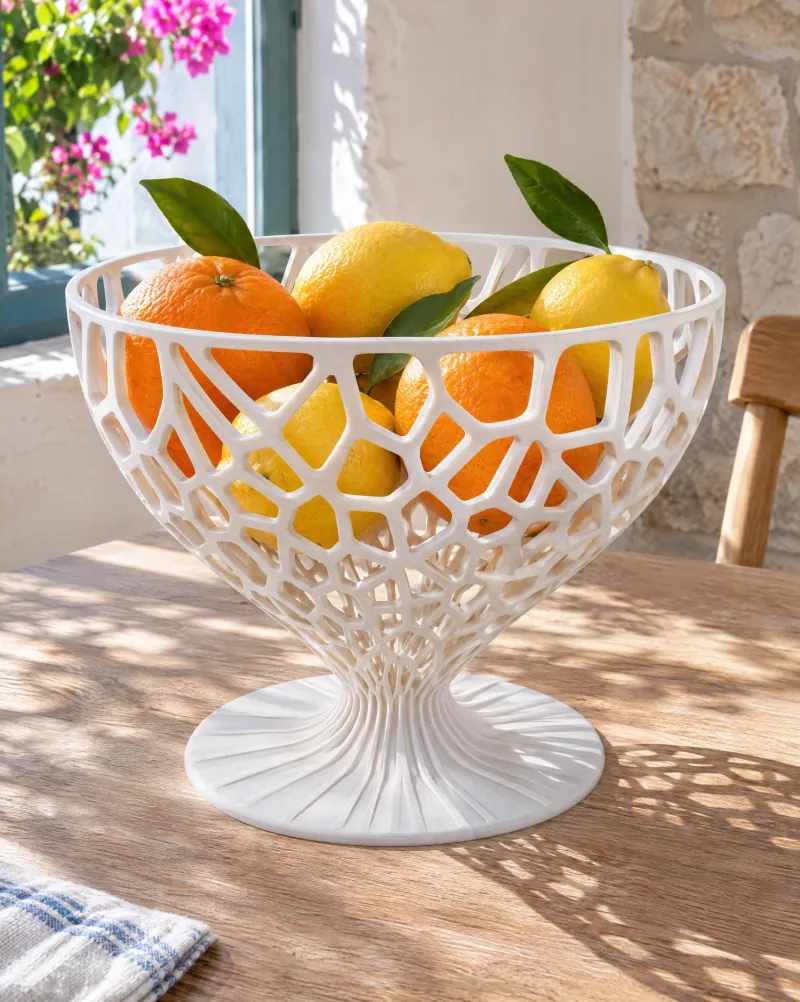
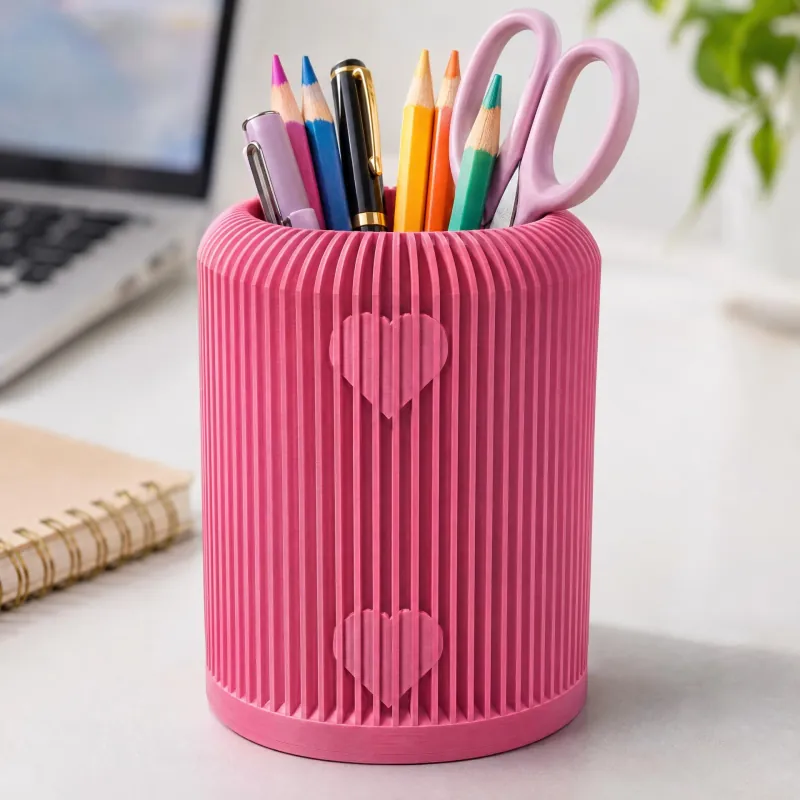
Other platforms
Try it free →
199 credits on signup · no card